
Canva Creations for Digital Marketing – Complete Guide by iPlace Technologies, Surat
In the competitive world of digital marketing, the way you present information is just as important as the content itself. Using visuals effectively can make your campaigns more engaging, understandable, and shareable. That’s why learning Canva is an essential skill. At IPLACE Technologies, Surat, we train students and professionals to create stunning digital visuals that help brands grow. In this guide, we will explore what you can create using Canva, focusing on the top 5 most impactful types of content.
Why Canva is a Must-Have Tool in Digital Marketing
Canva is a versatile, beginner-friendly graphic design tool that allows users to create professional designs without needing advanced skills. With thousands of templates, icons, charts, and customizable elements, Canva Creations for Digital Marketing helps marketers create visuals that enhance engagement. Whether you are a student, business owner, or marketer in Surat, using Canva effectively can significantly boost your digital marketing campaigns
Top 5 Focused Canva Creations
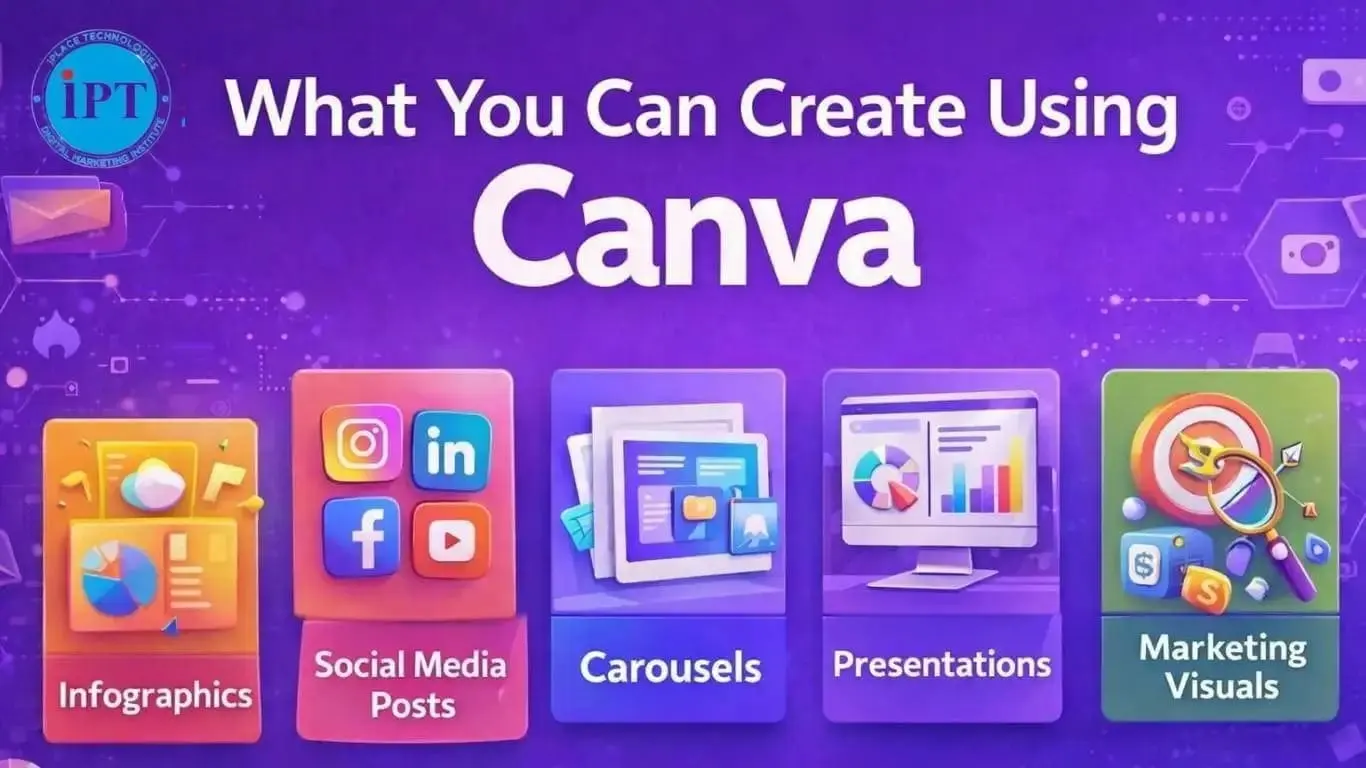
Here is a summery of the top 5 things you can create using Canva, their uses, and why they matter:
1. Infographics
Infographics help transform data into easily understandable visuals. You can showcase Social media marketing & Google Ads metrics like CPC, CTR, ROAS, CPA, and Conversion Rate in a visually appealing format.
Benefits for Digital Marketing:
- Makes complex data easy to digest
- Increases engagement on social media
- Improves website readability and shareability
At iPlace Technologies, Surat, students learn how to design professional infographics that communicate key marketing metrics effectively
2. Social Media Posts
Social media remains a core pillar of digital marketing. Canva allows you to create posts tailored for each platform:
- Instagram (1080×1080 px)
- Facebook (1200×628 px)
- LinkedIn (1200×1200 px)
Tips for Effective Posts:
•Use clear, bold headlines
• Include brand colors and logo
• Add visual cues like icons, emojis, or graphs
• Incorporate metrics like CPA or Conversion Rate to educate your audience
3. Carousels
Carousels are multi-slide graphics that allow you to present information step-by-step.
Advantages:
- Engage audience for longer time
- Perfect for LinkedIn or Instagram educational content
- Ideal for explaining processes or sharing multiple tips
For instance, a carousel can explain the steps to calculate ROAS or the difference between CPC and CTR
4. Presentations
Canva is also great for creating presentations for:
- Client meetings
- Marketing webinars
- Internal reporting
Key Features:
- Pre-built templates
- Drag-and-drop charts
- Animations and transitions
- Export options (PDF, PPT, or shareable links)
At iPlace Technologies, Surat, we train students to design data-driven presentations that are professional and visually appealing.
5. Marketing Visuals
This category covers reusable visuals like:
- Icons
- Charts & graphs
- Branded illustrations
Uses in Digital Marketing:
- Enhances website content
- Improves email campaign performance
- Supports ad creatives
- Maintains consistent brand identity
Consistent branding helps build trust and recognition, crucial for businesses in Surat and beyond.
Canva Design Best Practices
- Limit Colors: Stick to 3–4 colors that align with your brand.
- Fonts: Use maximum 2–3 fonts for readability.
- White Space: Avoid overcrowding elements.
- Logo Placement: Keep your logo (like iPlace Technologies) visible but subtle.
- Highlight Metrics: Use icons or charts for CPC, CTR, ROAS, CPA, and Conversion Rate.
How iPlace Technologies, Surat Helps
At iPlace Technologies, Surat, we provide practical training in:
- Canva designs for marketing campaigns
- Creating infographics, social media posts, carousels, presentations
- Combining visuals with digital marketing strategies
- Optimizing visuals for engagement and conversions
Students and businesses learn how to use Canva to communicate insights clearly and professionally
Pro Tips for Canva Success
- Use grids and alignment tools for professional layouts
- Keep a consistent visual theme for all marketing collateral
- Incorporate interactive elements for online presentations
- Export in high resolution for print or web use
Conclusion
Canva Creations for Digital MarketingMastering Canva Creations for Digital Marketing allows you to create visuals that elevate your digital marketing campaigns.
The top 5 creations to focus on are:
- Infographics
- Social Media Posts
- Carousels
- Presentations
- Marketing Visuals
With guidance from IPLACE Technologies, Surat, you can design graphics that are engaging, professional, and effective, ensuring your campaigns leave a lasting impact. Investing time in Canva Creations for Digital Marketing not only improves your visual storytelling skills but also enhances your digital marketing results across platforms

Useful Links
© 2023 iPlace Technologies. All Rights Reserved.